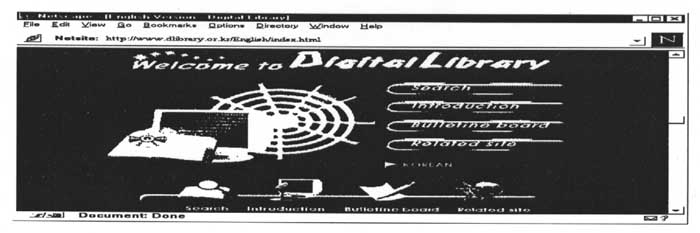
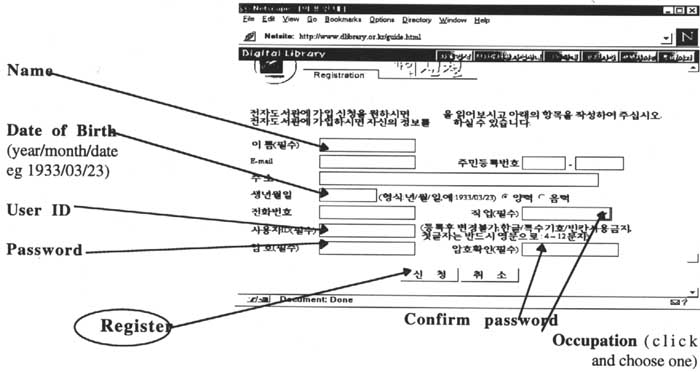
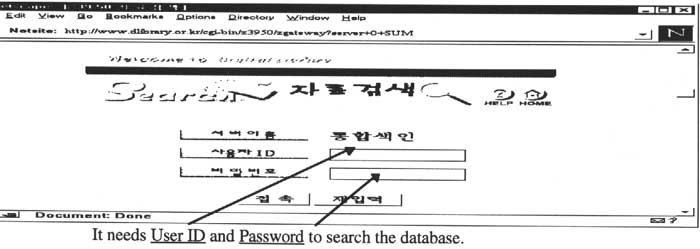
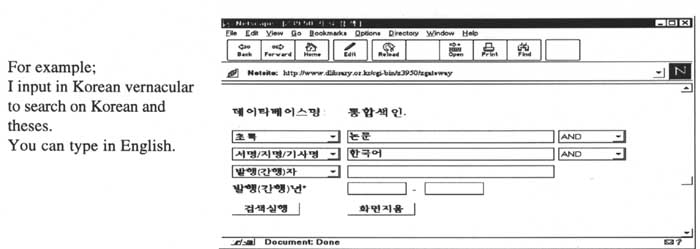
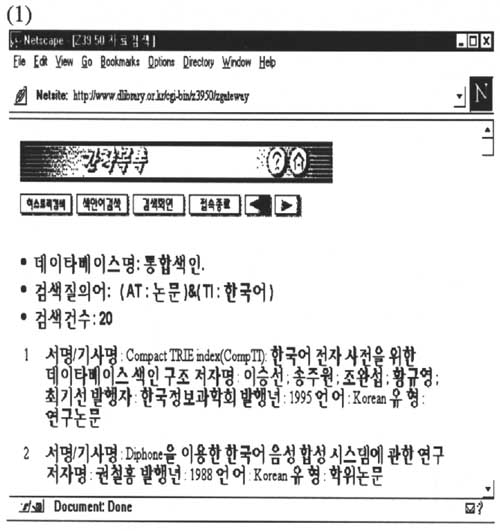
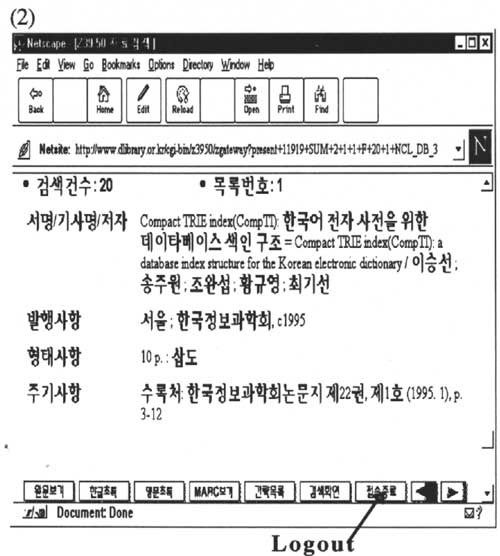
I have used the databases from the Digital Library (URL http://www.dlibrary.or.kr/) which consists of five major Korean libraries (the National Library of Korea, the National Assembly Library, the Science Library in KAIST, the Korea Research and Development Information Center in KAIST, and Korea Research Foundation). It was launched in an effort to provide virtual information to Internet users. Table 1: Digital Library home page A standard z39.50 protocol was adopted in order to speed up the searching process. The databases of the Digital Library include 3,000 rare books and the union catalogue from the National Library of Korea, 6,800 pages of past parliamentary documents, full-text research papers of the journal of the Korea Information Science Society, catalogues and abstracts of Masters and PhD theses in KAIST, and so on. Although the Digital Library has an English version at this stage, it has English-languages pages for the Home page and introductory page only. Users must register to search the databases. Table 2: How to register The Digital Library needs User ID and Password to search the database. Table 3: Search screen The databases of the Digital Library allow searching for mainly Korean language materials. Table 4: Searching For example; I input in Korean vernacular to search on Korean and theses. You can type in English. The search results are shown in Table 5 with a list of results (1) and a brief catalogue (2). Additional information: To read and write Korean vernacular script, you need to install the Korean version of Microsoft Windows. You need language support software such as UnionWay, WinMass, NJWIN or AsiaSurf from the English Windows. Now it is possible to read CJK (Chinese, Japanese and Korean) with Microsoft Internet Explorer version 4.0 (NT and Win95); you can now also INPUT vernacular into html search forms, do Outlook email, and so on. The Internet Explorer URL is: http://www.microsoft.com/ie/ie40/ime.htm |